The Feedback tab
Every flow has a Feedback tab with two sub-tabs: Raw Feedback, where every submission collected for the flow lands, and Feedback Insights, the flow’s analytics dashboard.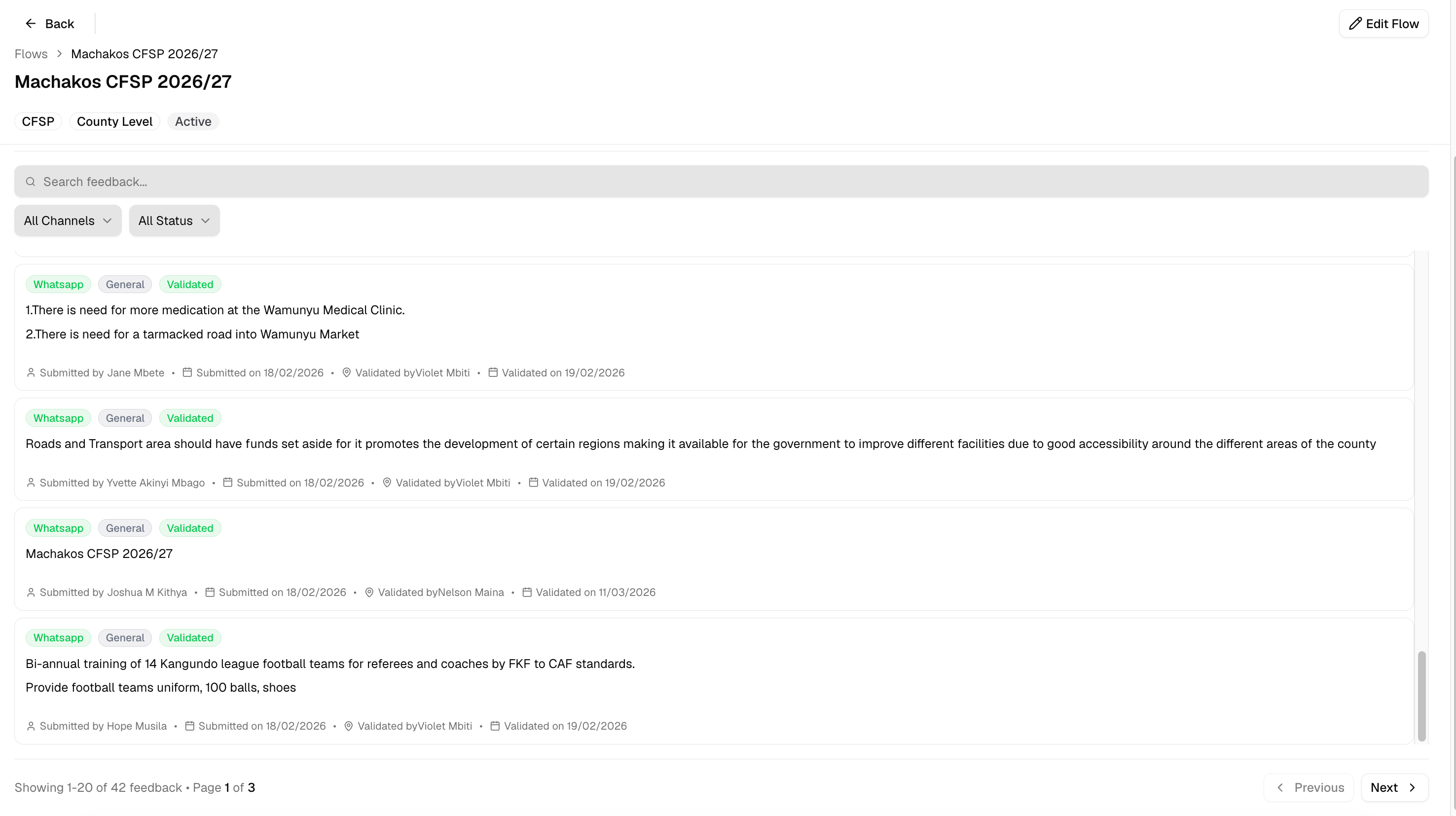
The Feedback tab, Raw Feedback sub-tab
View and filter feedback
Role access: all roles with access to the flow1
Open Raw Feedback
From a flow’s Feedback tab, the Raw Feedback sub-tab is selected by default.
2
Search or filter
Use the search box to find feedback by content, or narrow the list with the Channel filter (WhatsApp, Google Sheet, Kobo, PDF) and the Status filter (Pending, Validated).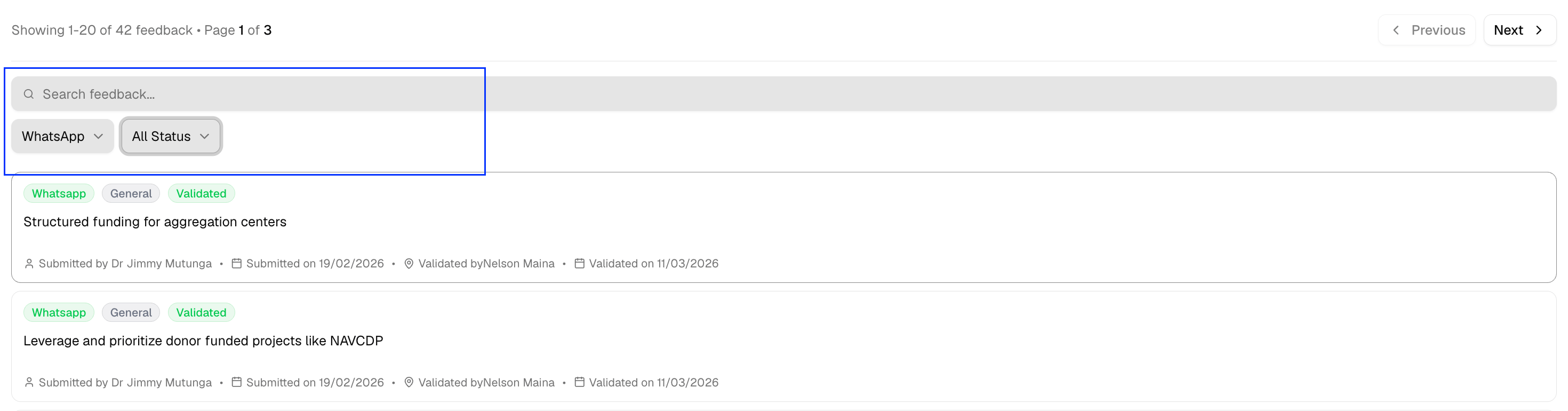
Validate feedback
Role access: Facilitator and above, within their location scope Validating a piece of feedback marks it as reviewed, making sure the feedback is included in the analytics dashboard1
Find a pending item
Filter by Status: Pending to see everything still awaiting review.
2
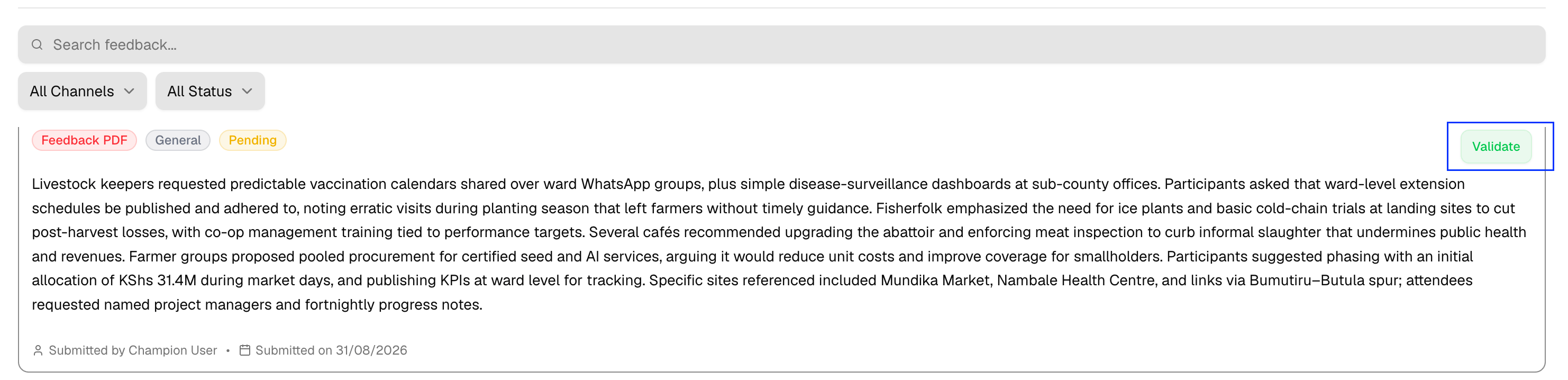
Click Validate
Click Validate on the item. It moves to “Validated” and records who validated it and when.