The Analytics tab
Every flow has an Analytics tab. It runs AI analysis over the feedback collected for the flow. It summarizes it, extracts sentiment, and surfaces recurring topics either for the whole document or for a single section.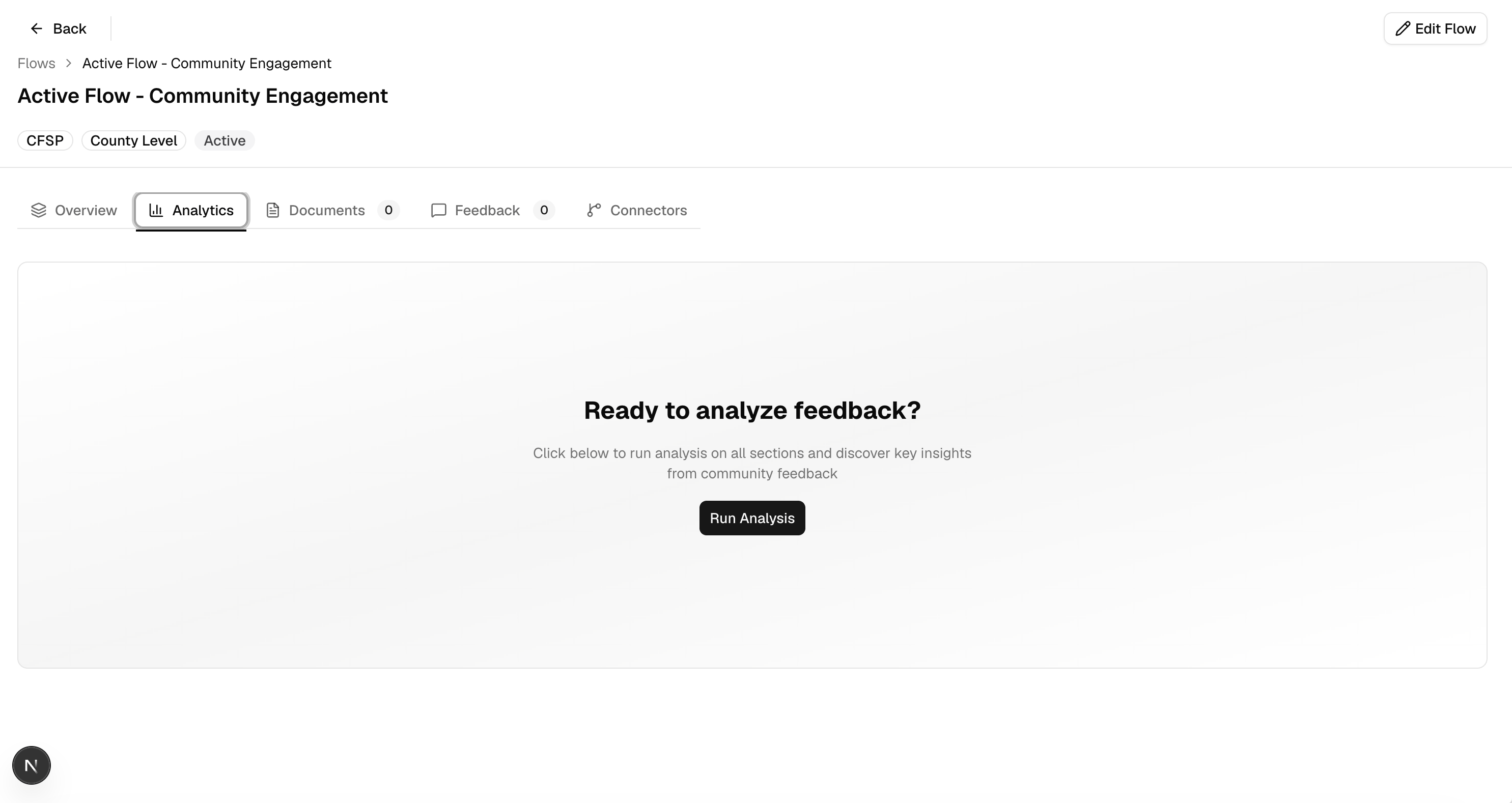
The Analytics tab, before any analysis has been run
Analysis needs an infopack uploaded to the flow first : see Upload a
document. Without one,
“Run Analysis” won’t have anything to work from.
Run analysis
Role access: all roles with access to the flow1
Run analysis on the whole document
From the Analytics tab, click Run Analysis. A progress bar shows while the AI processes the feedback.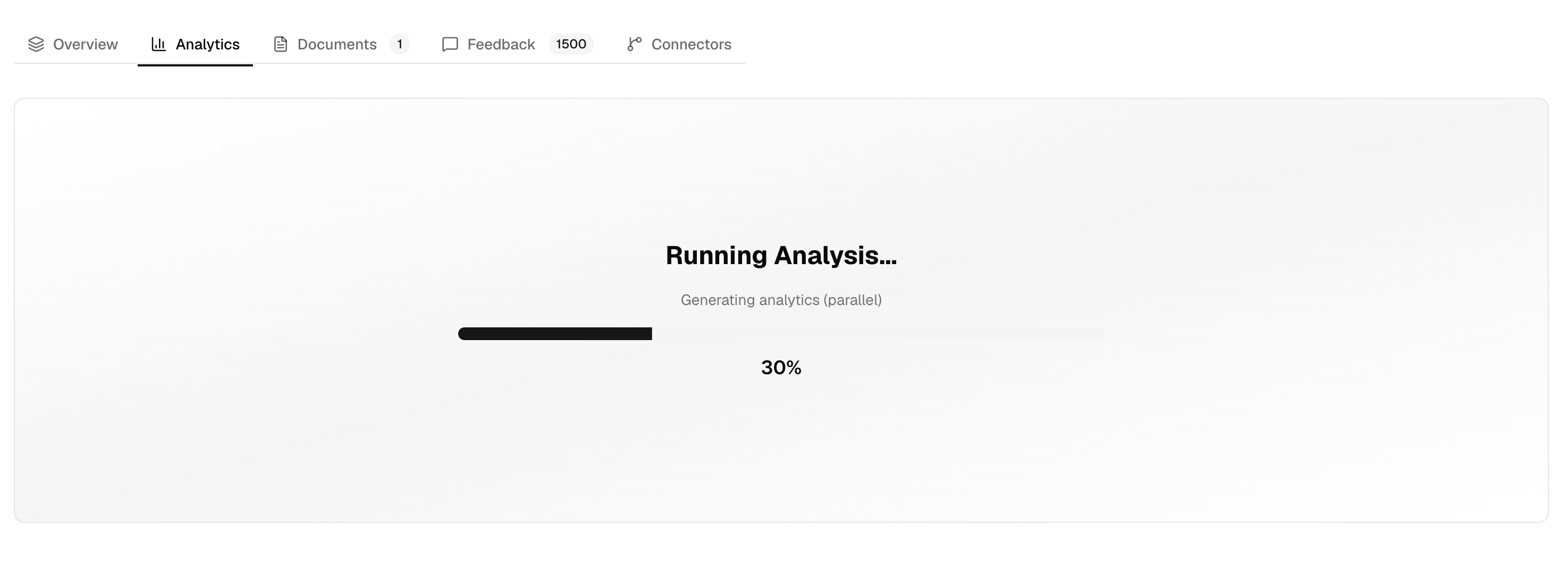
2
Pick a section
Once the whole-document analysis finishes, section tabs appear along the top (one per budget section, plus “Whole Document”). Select a section to view or analyze it individually.
3
Run analysis for that section
Click Run Analysis again for the selected section. Each section is analyzed independently, so results can be ready at different times.
Read the results
Once analysis completes for a section (or the whole document), the tab shows:- Feedback Summary: a narrative summary, a list of key actionable insights, and stats: feedbacks analyzed, date range covered, processing time, and completion date.
- Feedback Frequency: a chart of how much feedback came in over time.
- Word Cloud and Sentiment : the most common terms in the feedback, and a breakdown of positive/neutral/negative sentiment, shown side by side.
- Key Topics : recurring themes, each with a mention count, overall sentiment, positive and negative points (click one to see the supporting quotes it’s based on), and suggested next steps where available.
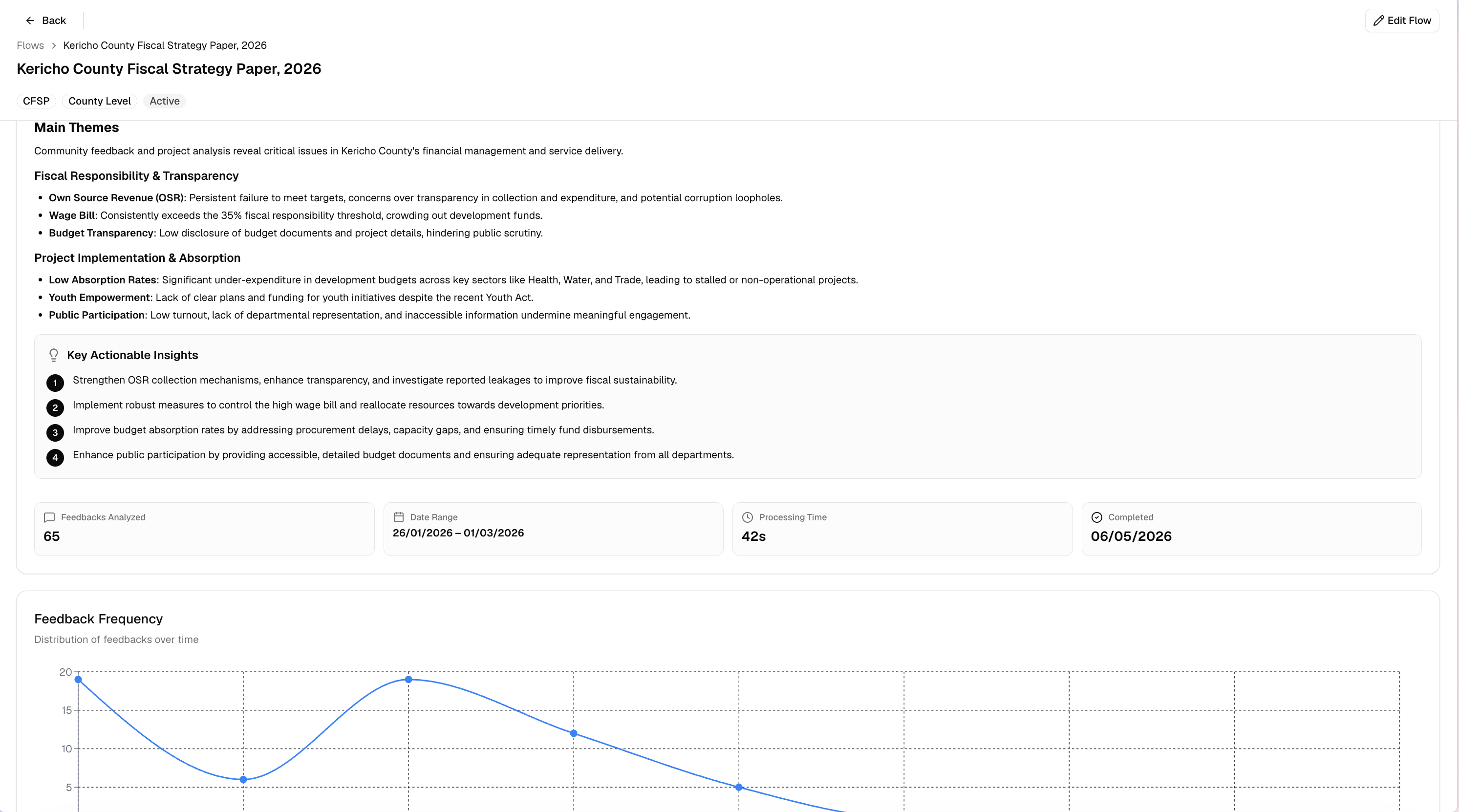
Analysis results for a section
Download a PDF report
Role access: all roles with access to the flow1
Select a section with completed analysis
Download buttons only appear once that section has a result.
2
Choose a report type
Click Summary Report for a shorter version (top 2 insights per topic), or Full Report for every insight.
The PDF covers whichever section is currently selected : switch tabs first if
you want a different section’s report.